Master's thesis · FER · 2024
ECFpyDesk
A desktop app for symbolic regression, for people who would rather not write C++ or hand-edit parameter files.
Symbolic regression looks for a formula that describes your data, instead of fitting numbers to a formula you chose in advance. The search runs on ECF, a C++ framework, as a command-line program driven by XML parameter files. ECFpyDesk puts a window in front of it: pick the data, set up the search, press start and watch the best formulas appear.
Who it is for
Researchers and students who want to run symbolic regression without learning ECF first.
- What
- My master's thesis project
- Mentor
- prof. dr. sc. Domagoj Jakobović
- Where
- Faculty of Electrical Engineering and Computing (FER), University of Zagreb
- Year
- 2024
- Built with
- Python · CustomTkinter · SRM (C++) on ECF
A short demo
How it works
01
A Python window over the parameter file
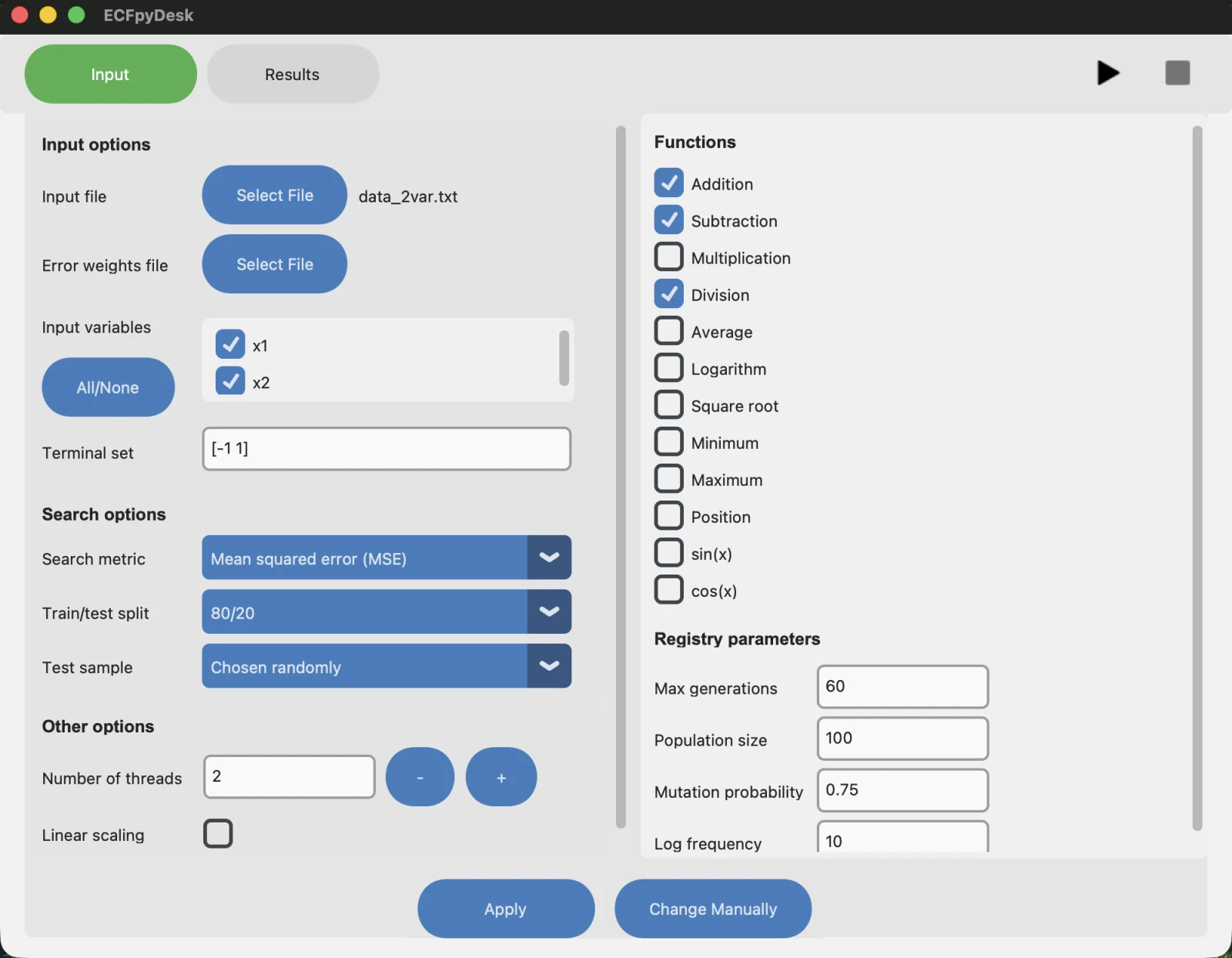
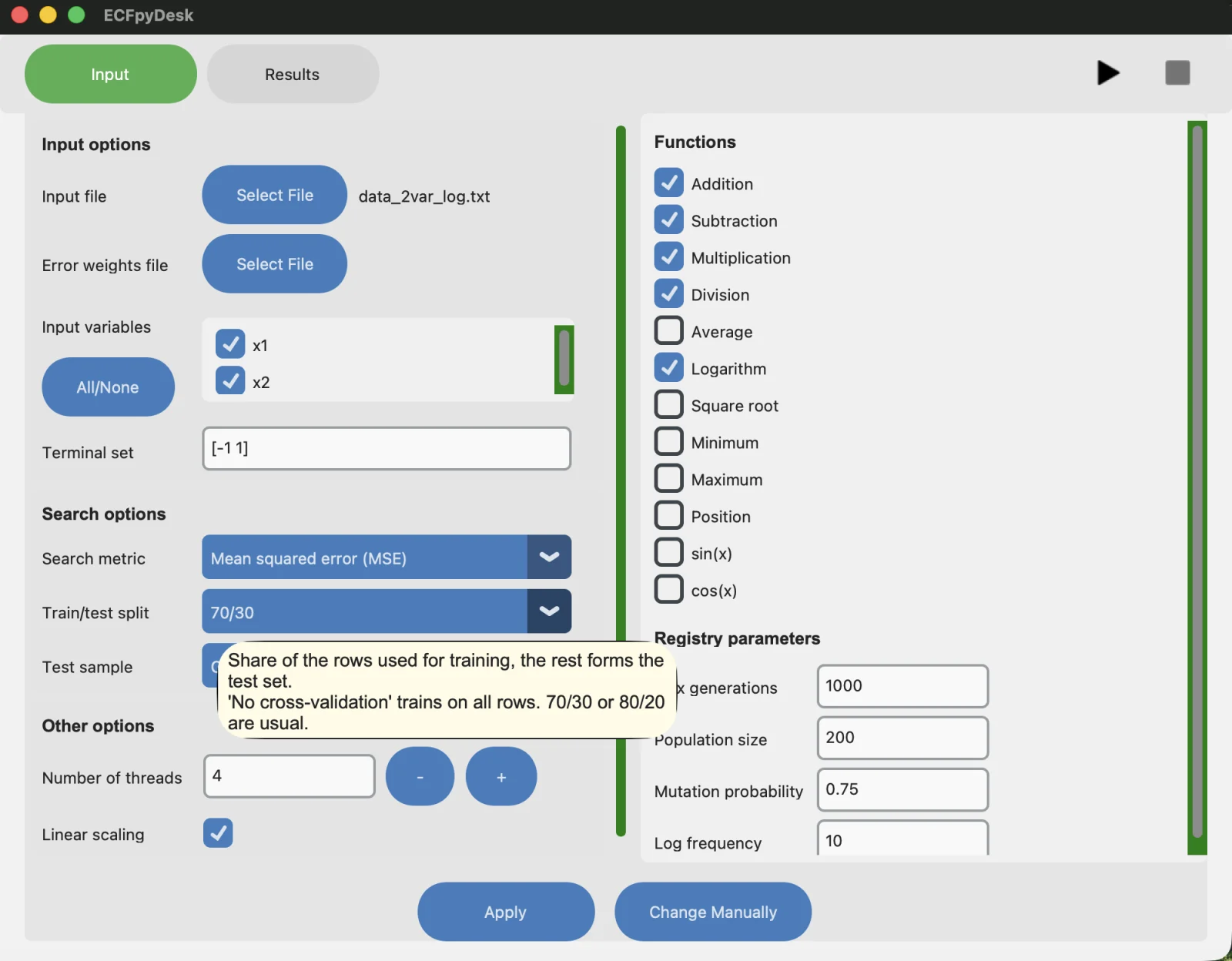
The app is written in Python with CustomTkinter, in a model–view–controller layout. It edits the parameter file that ECF reads: the input file, which variables and functions the search may use, the population size, the number of generations. It also splits the data into training and test sets itself. A mode that shows the raw file is there for when you want it.
02
SRM on ECF does the searching
The search is SRM, a C++ program on the ECF framework that evolves candidate formulas. ECFpyDesk starts it and reads what it finds; the search is not reimplemented in Python.
03
Several processes in parallel
You choose how many SRM processes run at once. One button starts, pauses or resumes them, another stops them.
04
A Pareto front, not one answer
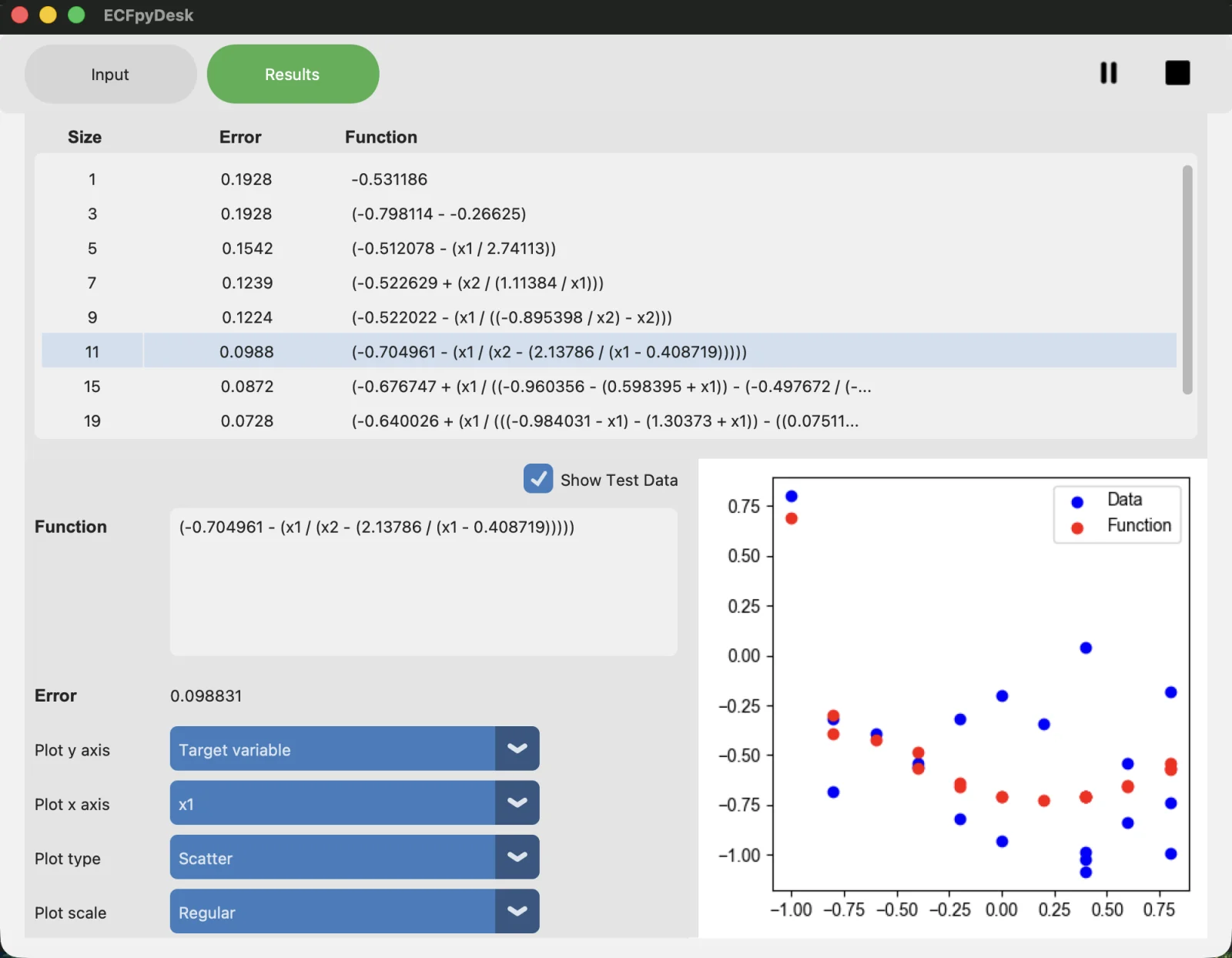
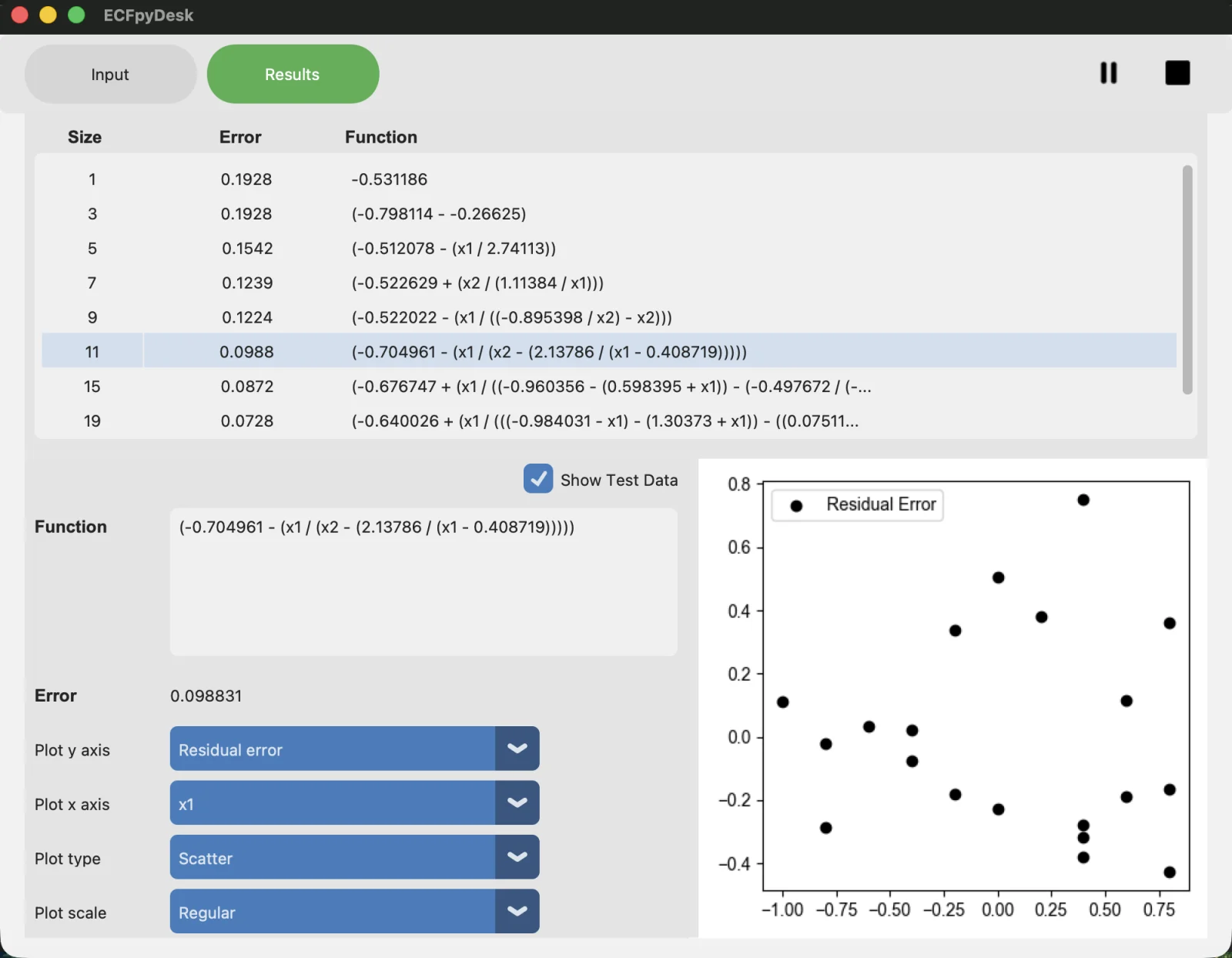
The best formulas of every process are merged and filtered to the Pareto front of formula size against error: the formulas where neither can be improved without making the other worse. With a train and test split, the Show Test Data checkbox switches the front from the training error to the test error. Pick a formula and it is plotted against the data, as the value, the residual or the percentage residual, on normal or logarithmic axes.
The app
Credits
- Mentor: prof. dr. sc. Domagoj Jakobović, Faculty of Electrical Engineering and Computing, University of Zagreb. Thesis written in 2024.
- ECF, the Evolutionary Computation Framework, is by Domagoj Jakobović, Stjepan Picek and Marko Đurasević (ecf.zemris.fer.hr).
- SRM, the C++ program that runs symbolic regression on ECF, comes from D. Stanković's 2016 master's thesis at FER, "Prilagodljivi programski sustav za simboličku regresiju", as my thesis credits it.